I'd been putting it off for fifteen years. One afternoon was enough.
How I finally digitised my father's slides at the kitchen table, without a computer. And why you can do it too.
 By Catherine M., 56 · Updated 04/11/2026
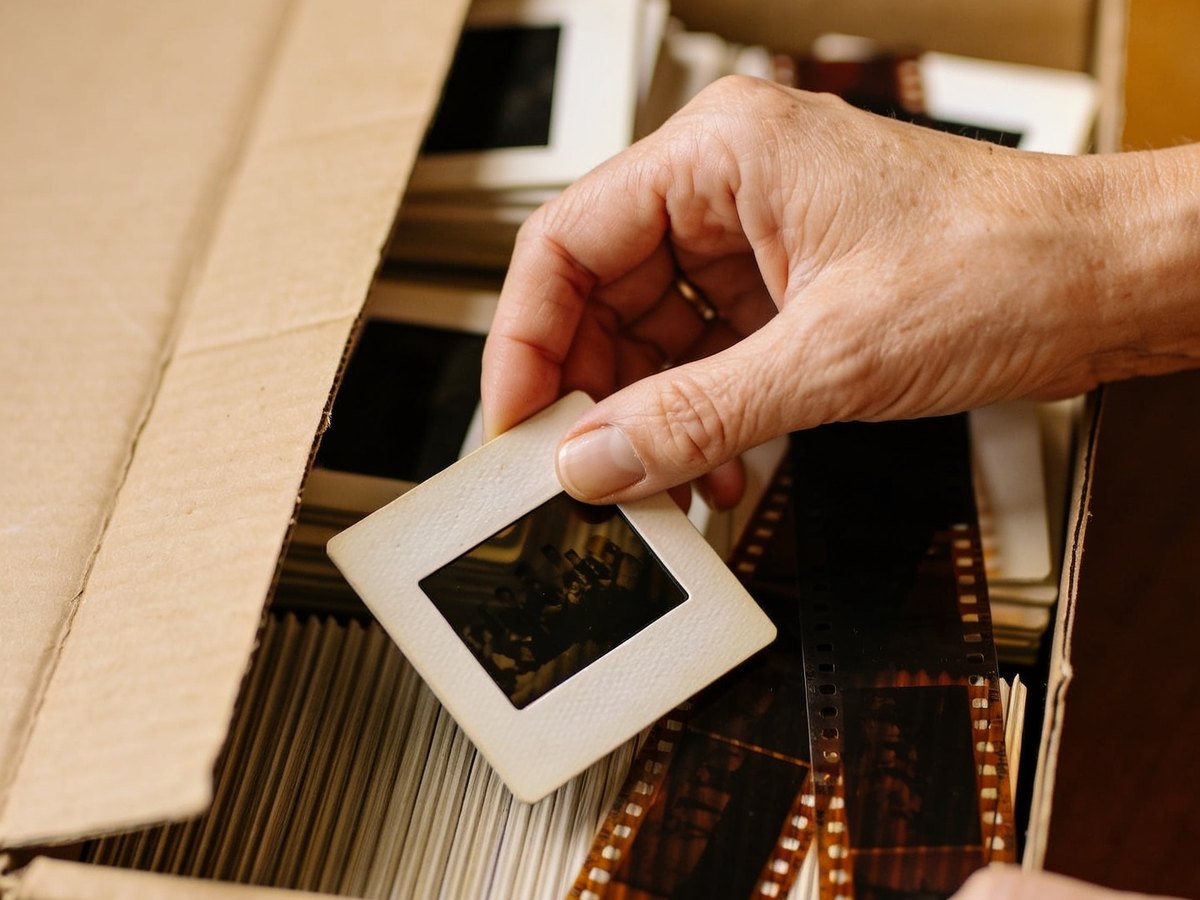
There's a box of slides somewhere in your home.
You know you ought to do something about it.
But every time you've looked into how to digitise them, it's been more complicated than you expected. So the search stops, and the box stays where it is.
I know, because mine did exactly that. For fifteen years.
It was my father's box. His slides from the sixties and seventies, packed in little cardboard boxes, with his handwriting on the labels: “Cornwall '69”, “Christmas '72”, “The children”.
When he passed away, the box came to me. And it stayed up in the loft.
What I'd found until then
If you've already looked, you know how it goes.
Scanning labs by post: you're asked to post off your originals, you're charged per slide, and you wait three weeks, hoping the parcel arrives.
Flatbed scanners: software to install, settings to fiddle with, a computer that has to keep up, and a twenty-minute video just to get to the first picture.
Phone apps: a blurry photo of a slide held up to the window.
Every time, I told myself: “I'll sort it out later.”
What nobody had told me
Every year the slides stay in their box, they get a little harder to save.
The colours shift. Red takes over. The film turns brittle.
A slide that looks fine today will be more damaged in five years' time than it is now.
I'm not saying this to frighten you. Most of what's in your box is probably still in good condition.
But when I finally opened mine, a few slides at the bottom had already turned pink. Too late for those.
That was the day I stopped putting it off.
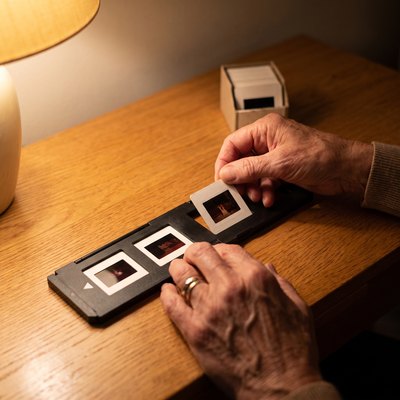
Three weeks of comparing
I read reviews, forums, spec sheets. Plenty of machines “work”. But they all seemed to want something from me: a computer, software, patience.
I was this close to giving up all over again.
And then I came across a little machine nobody mentioned in my searches. A black cube with its own screen.
The Velova Memory Scanner.
Compared with everything else, it looked almost too simple.
You put the slide in the holder. You push the holder into the slot. You press the button. Three seconds later, the photo is on the screen, and saved to the memory card.
That's it. No computer. No software.
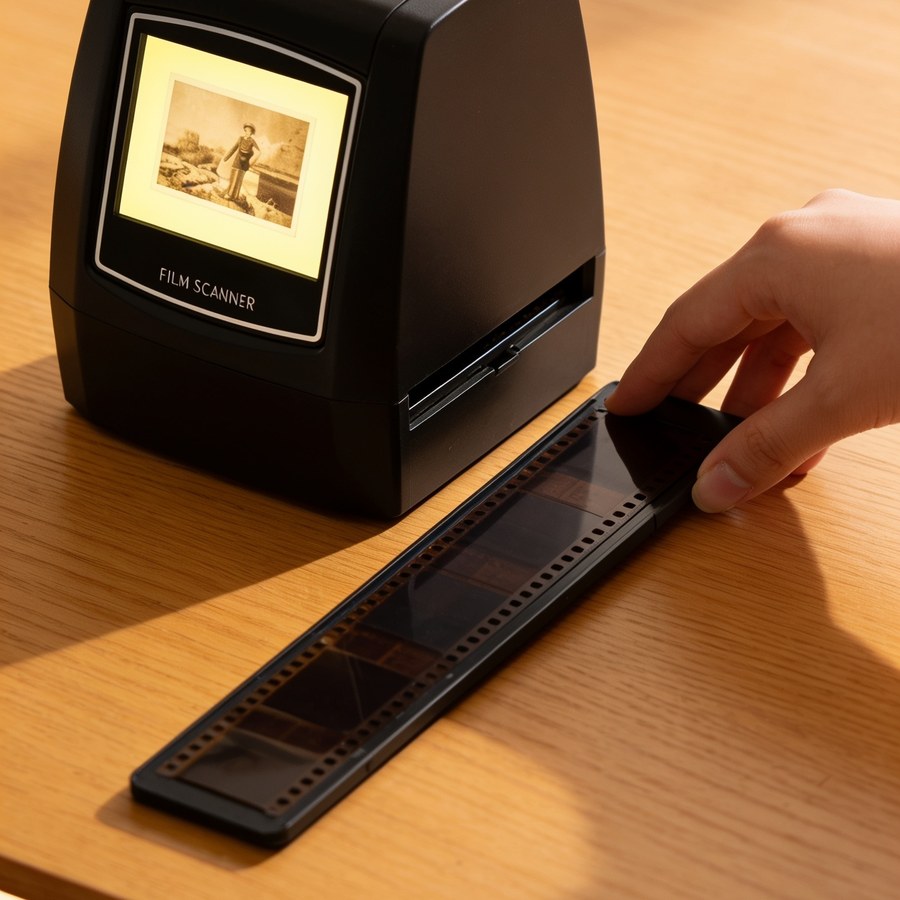
Honestly, I didn't quite believe it. So I read the reviews.
“I'm hopeless with technology, and I'd worked it out in five minutes.”
“I'm seventy-two. I can read the instructions without a magnifying glass.”
“Two hundred slides the first weekend.”
People like me. I ordered one.
The first photo
When the parcel arrived, I put it on the kitchen table. Everything was in the box: the scanner, the slide holder, the negative holder, the cables and the brush.
And in my inbox, the instructions in English, in large print.
I took the first slide from the box marked “Cornwall '69”. I put it in the holder. I pushed the holder into the slot. I pressed the button.
Three seconds.
And there he was. My father, at twenty-eight, shirt open, on a beach I've never been to. He was laughing.
I'd never seen him like that.
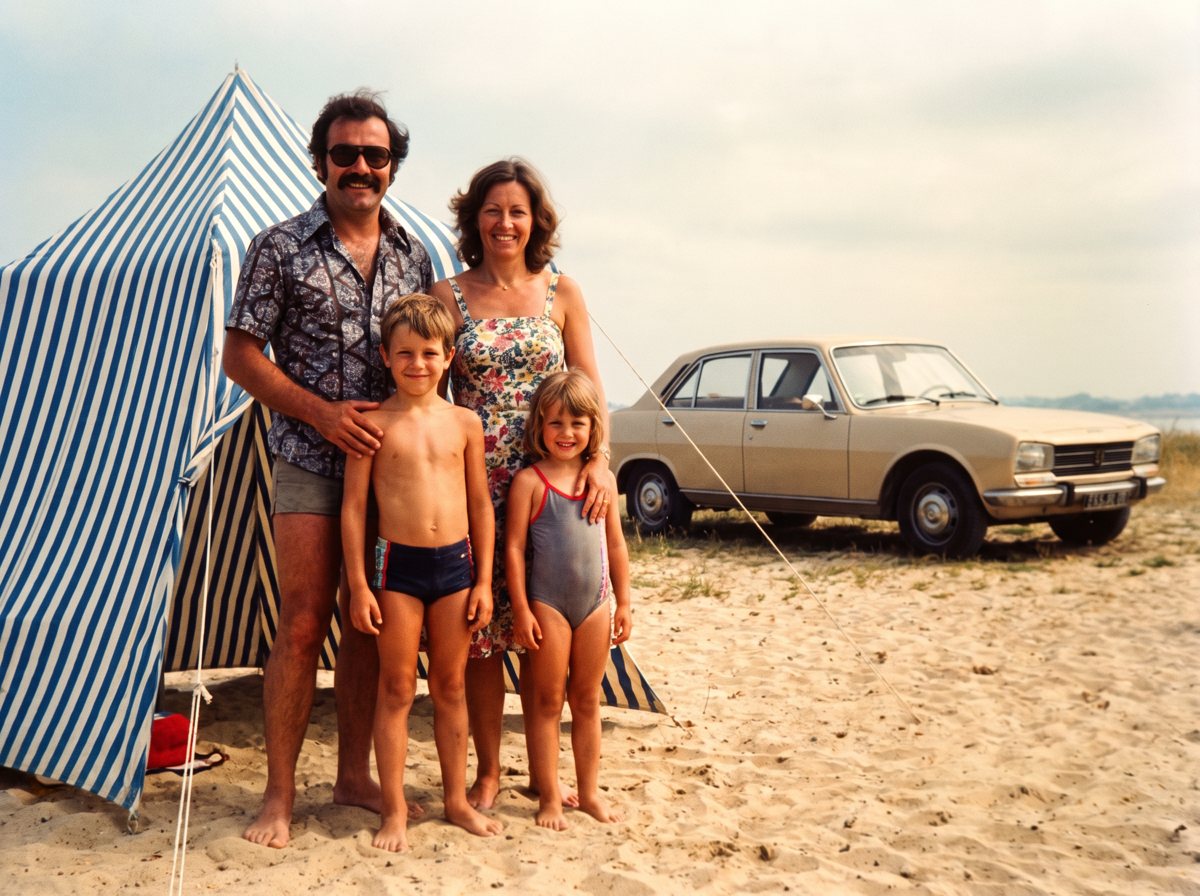
I sat in front of that little screen for a long while.
These boxes hold moments nobody has looked at for decades. Some, perhaps, never at all.
One afternoon. Then another.
I didn't do it all at once. An hour on Saturday. A few slides in the evening. Another batch on Sunday morning, with a cup of tea.
It never felt like a chore. Every slide is a little surprise.
By the end of the third weekend, the box was empty. Everything on the memory card. Finished.
Fifteen years of putting it off. Three weekends to get it done.
The first thing I did was send the photos to my brother. He lives three hours away. We don't ring each other enough.
He rang back that same evening. We were on the phone for an hour.
One photo from 1969 did that.
Think about who you'll send the first photo to. And what they'll say when they see it.
Launch offer: up to 50% off · 30-day money-back guarantee · Free tracked delivery
How it actually works
Put the slide, or the strip of negatives, in the holder supplied.
Push the holder into the slot, then press the button.
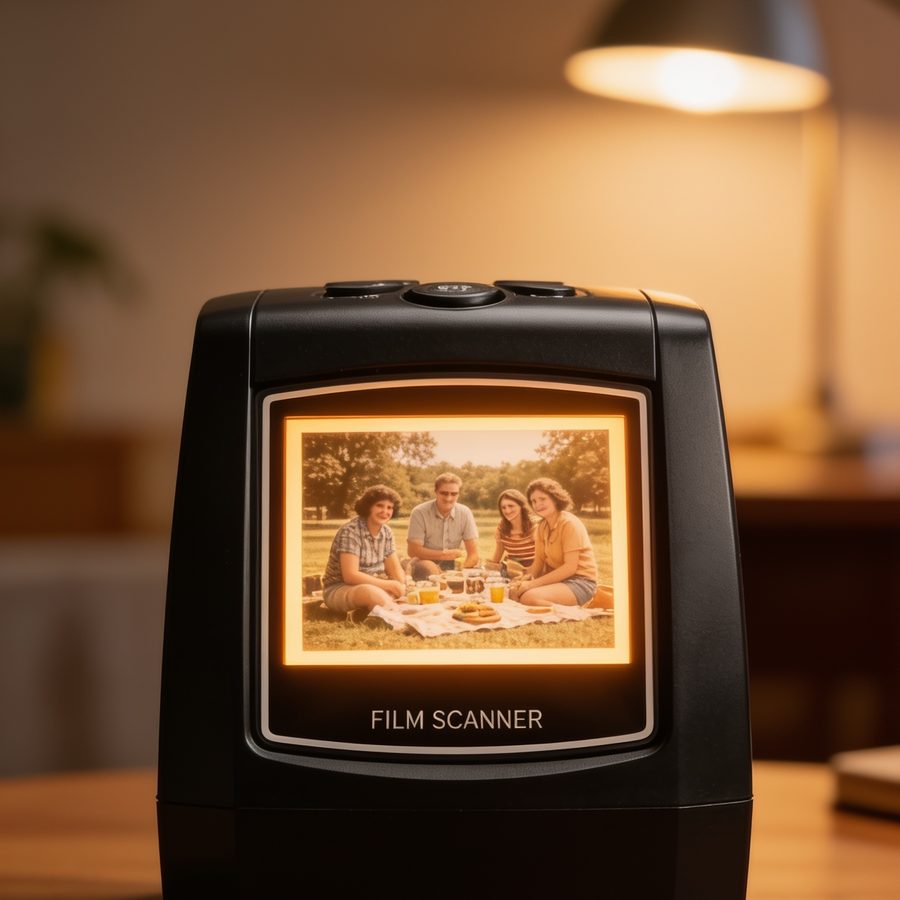
Three seconds later, the photo is on the screen and on the memory card.
A tip I soon worked out: get the next four slides ready while the photo saves. That way you reload the holder without losing any time.
What makes all the difference compared with what I'd tried
- Faded film comes back to life. Automatic correction revives the colours, even on slides I'd already written off.
- No computer, no technical know-how. If you can press a button, you can use it.
- Your originals never leave your table. Nothing to post, nothing to wait for, no fingers crossed.
- You see every picture the moment it's digitised, on the built-in screen.
- Everything is saved to the SD memory card. The scanner connects to your TV with the cable supplied, and the card can be read on a computer or taken to a photo shop.
- 35mm slides and 35mm negatives, colour and black and white. Both holders are in the box.

“Will it work for me?”
- “My slides are very old and faded.”
- Yes. That's exactly what the automatic correction is for. Badly damaged film will stay damaged (no machine works miracles), but the picture will be saved before it's too late.
- “I've got negatives, not slides.”
- It does both. The negative holder is included, for colour and for black and white.
- “I'm not very confident with technology.”
- One button. Our large-print illustrated guide in English, sent by email, takes you through it step by step. And a real person answers you in English, seven days a week, until your first photo is digitised.
- “What about my paper photos?”
- No, and we'd rather tell you straight away: the scanner reads film, slides and negatives. Not paper prints. If your memories are in boxes of slides and wallets of negatives, that's exactly what it was made for.

They've reopened their boxes
“Very effective and simple to use. The image quality is very good. The screen shows you clearly the corrections you can make.”
“Everything was in the parcel, and it all works perfectly. The instructions are illustrated like a comic strip, practically intuitive.”
“Order arrived quickly, carefully packed. Perfect for what I wanted it for: saving my memories.”
Up to 50% off for the launch · 30-day money-back guarantee
Where to find it, and what it costs
The Velova Memory Scanner is only sold on our official website. You won't find it in the shops.
Ask a lab for a quote and you'll hear several hundred pounds for a single box. Charged per slide. Before you've even seen a picture.
Here, you pay once. Your whole collection, at home, at your own pace, for as long as you like. And your parents' too, your sister's, your neighbours'.
For the launch, the scanner is half price.
Essential pack
- The scanner, both holders, the cables
- The 3 free guides
- SD card not included
Complete pack
- Everything in the Essential pack
- 32 GB SD card included (about 15,000 photos)
- Ready to scan straight out of the box, nothing else to buy
Family pack
- Everything in the Complete pack
- A second 32 GB SD card
- One card to keep, one to give to the children
Free with every pack
Three guides written to help you finish the job, not just start it: The Family Digitising Plan (sorting forty years of photos without getting lost), Albums & Sharing (from the memory card to printed albums and your photos on the big screen), and Revive Your Old Photos.


Plus the complete large-print guide in English, illustrated step by step and sent by email.
No risk
Order, digitise your first box, show the photos to the family. If it's not for you, send it back within thirty days: your money back, no quibbles.
The box won't digitise itself
It's been there for years. It won't get any better with time.
Fifteen years to start. Three weekends to finish.
Start this weekend.
See the half-price offerLaunch offer: up to 50% off · Free tracked delivery · 30-day money-back guarantee